
ShoSoftAI onboarding
ShoSoft AI onboarding
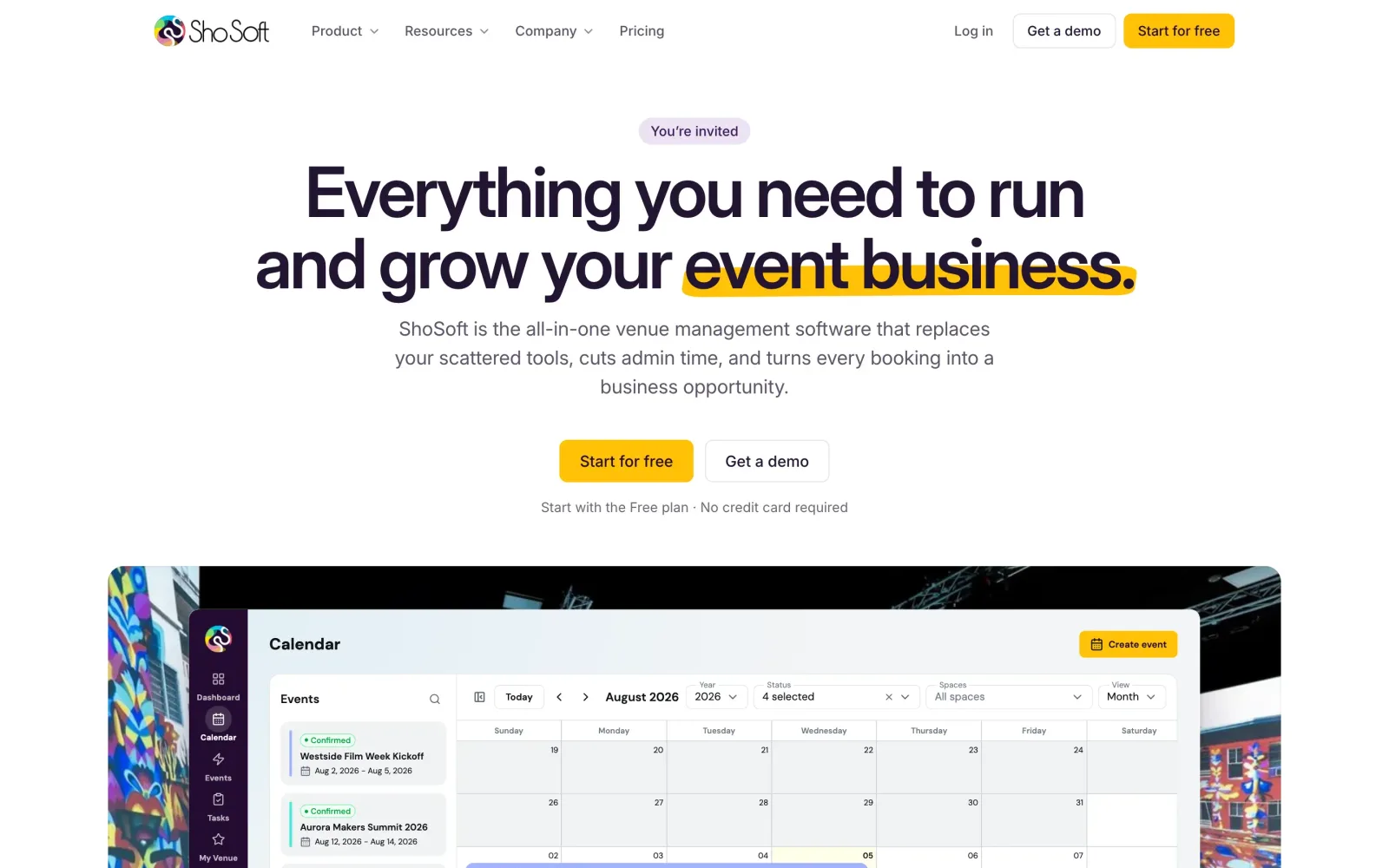
Paste your website or drop your venue handbook, and your venue is set up for you.
This is where our work with ShoSoft began. When they brought us in during May 2026, the brief named the first two places AI should change the product, onboarding and event creation. We started with onboarding, the first thing every new venue sees.
Setting up venue software used to mean days of typing in spaces, prices, vendors and contacts before a venue saw any value. Most of that information already sits on the venue's website or in its handbook.
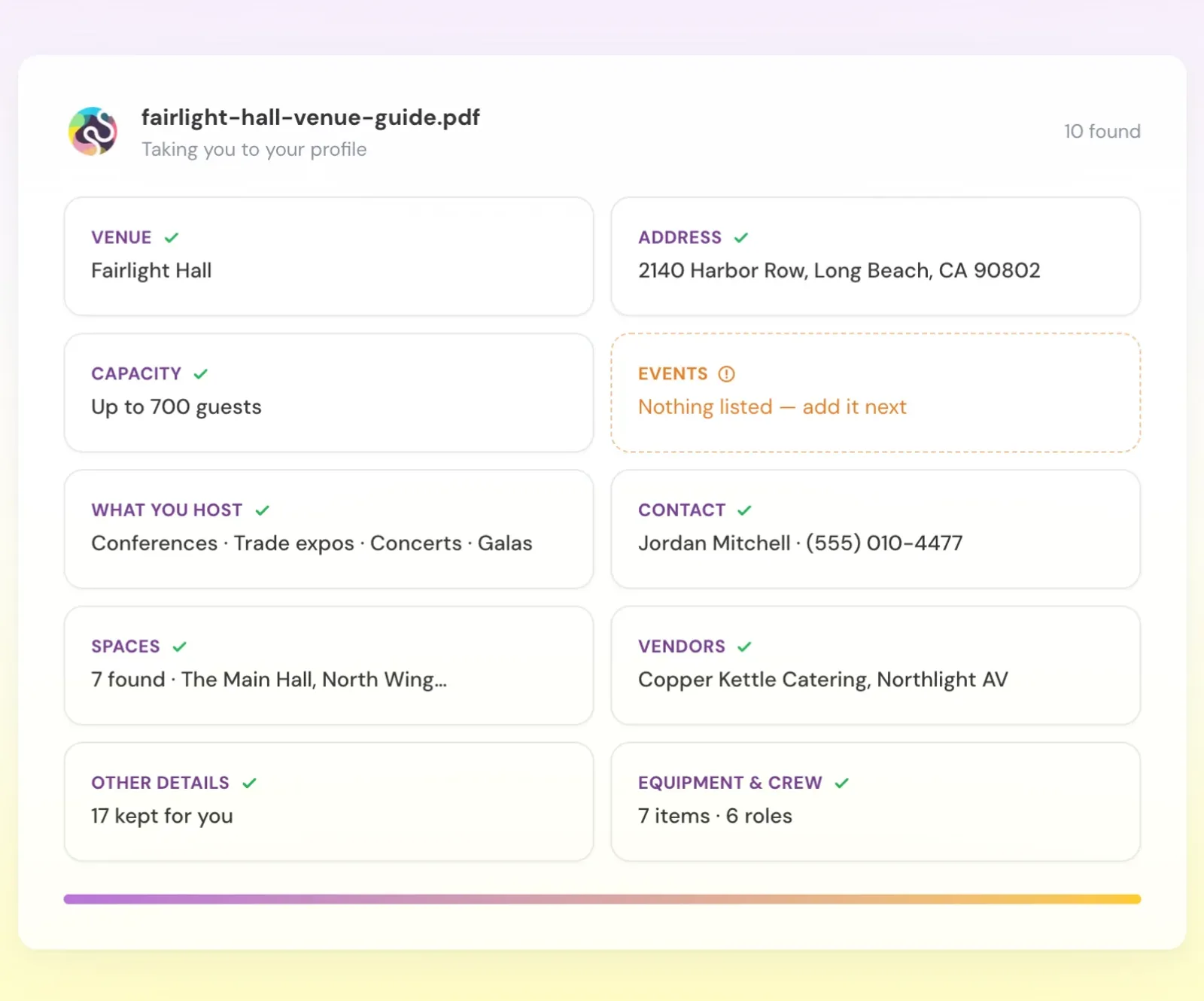
So we made onboarding read it. Paste a website or drop a handbook, and ShoSoft fills in the venue profile, keeps only what it can trace back to the source, and shows you every field marked found or missing in the real settings screens.
- 10
- pages read in about 7 seconds
- 10 of 10
- spaces found
- ~3.5s
- to map the profile
- 11
- app files touched
What we did
- A crawler that reads a venue's site and the pages it links to
- Handbook and file upload, cross checked against the website
- Two passes, one to read and one to map into ShoSoft's own settings
- A rule that every value must be traceable to the source
- A live board that fills in while it reads
- A review step in the real settings screens, found or missing on every field
- A working demo, then a port into the real app, page for page
- A clean handoff repo for ShoSoft's developers, with docs and screenshots
How it grew
The first cut was a small proof of concept in May. Over the summer it turned into four versions of a working demo. The fourth, built on July 30 from ShoSoft's own design files, is the one the team could click through from start to finish. In September we moved it into the real app and handed it to ShoSoft's developers.
The idea
Every venue already describes itself somewhere. Room names, square footage, capacities, the caterers it works with, who to call. We wanted the first ten minutes in ShoSoft to turn all of that into a ready profile, so a new venue starts by checking its setup instead of typing it.
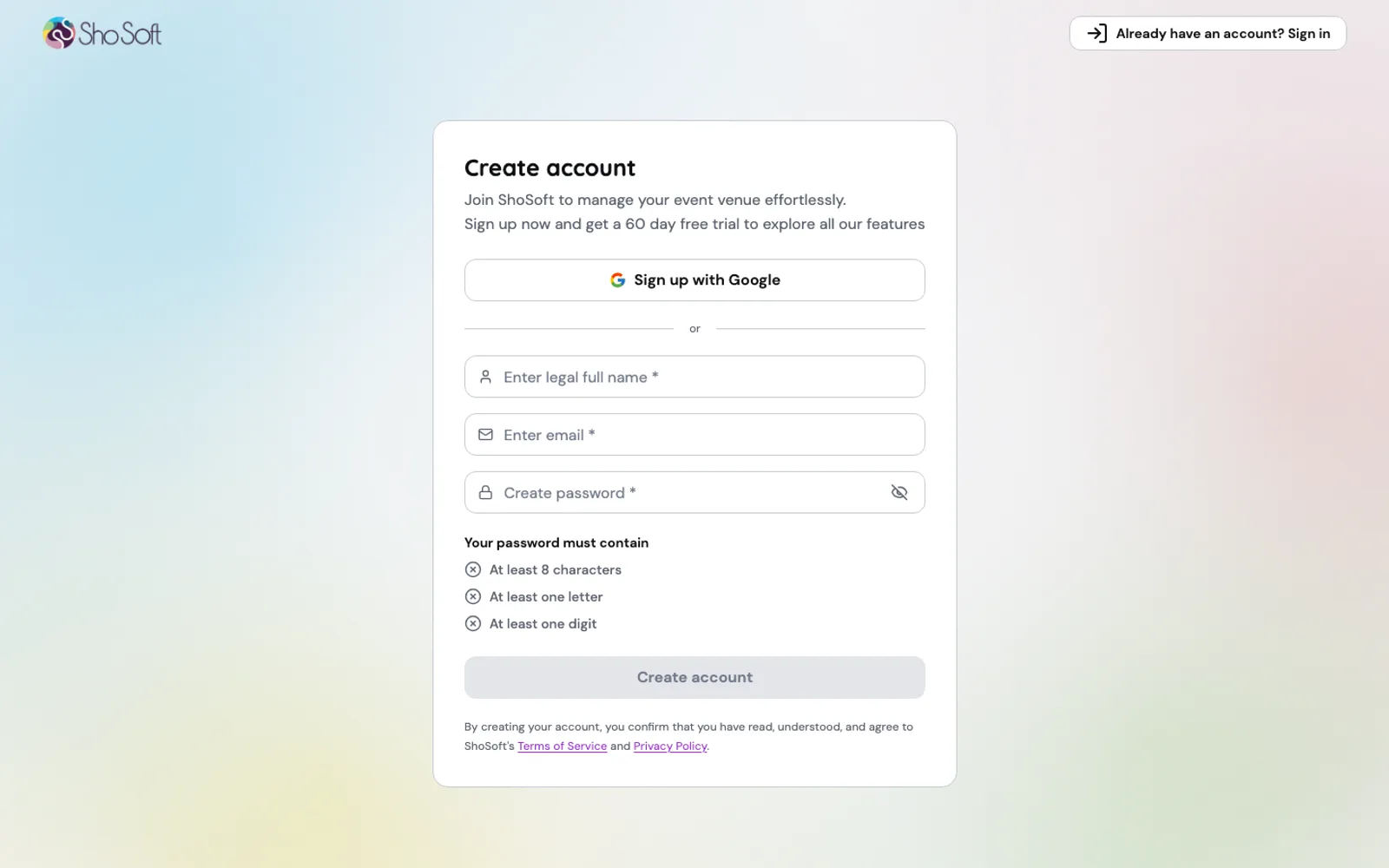
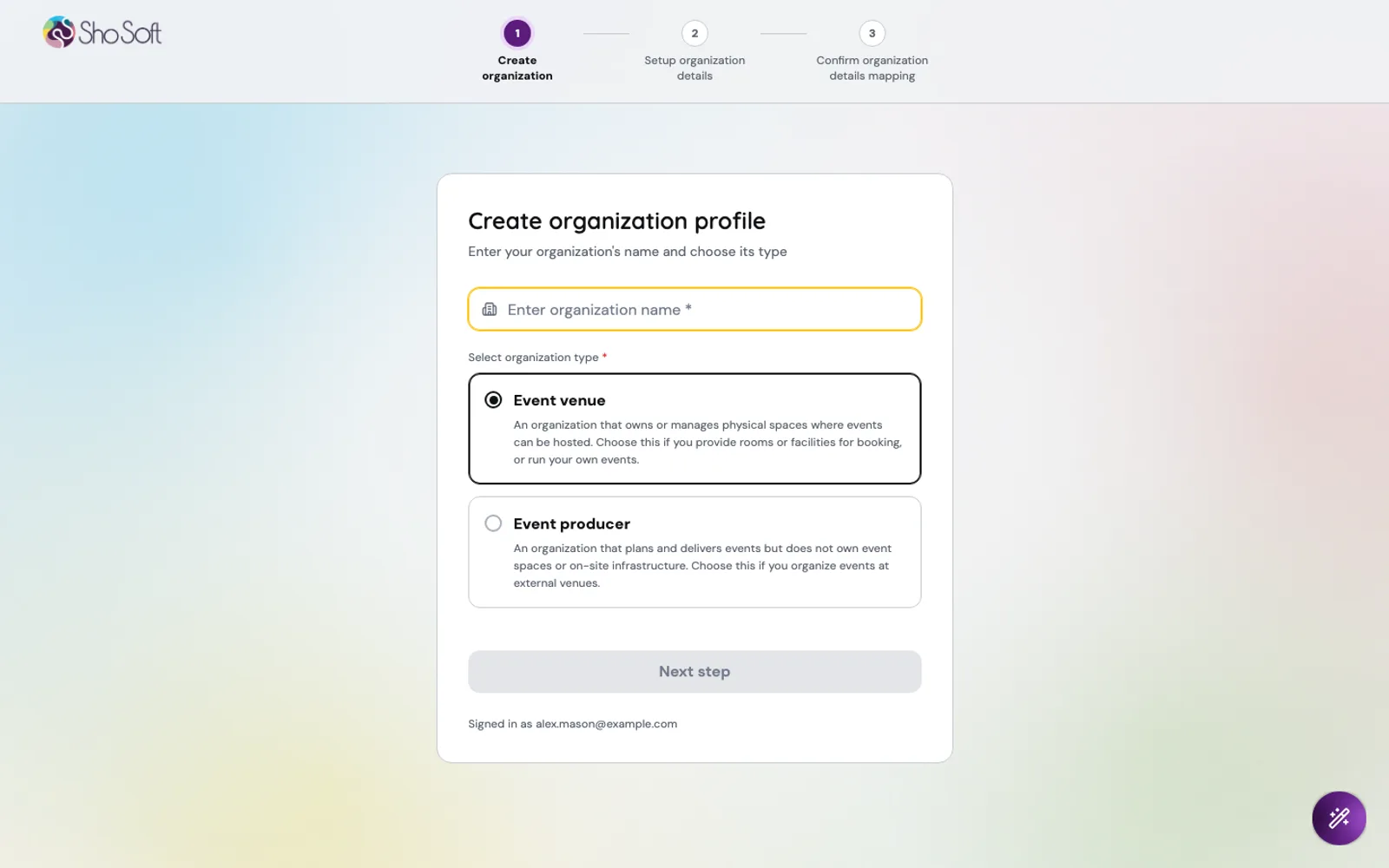
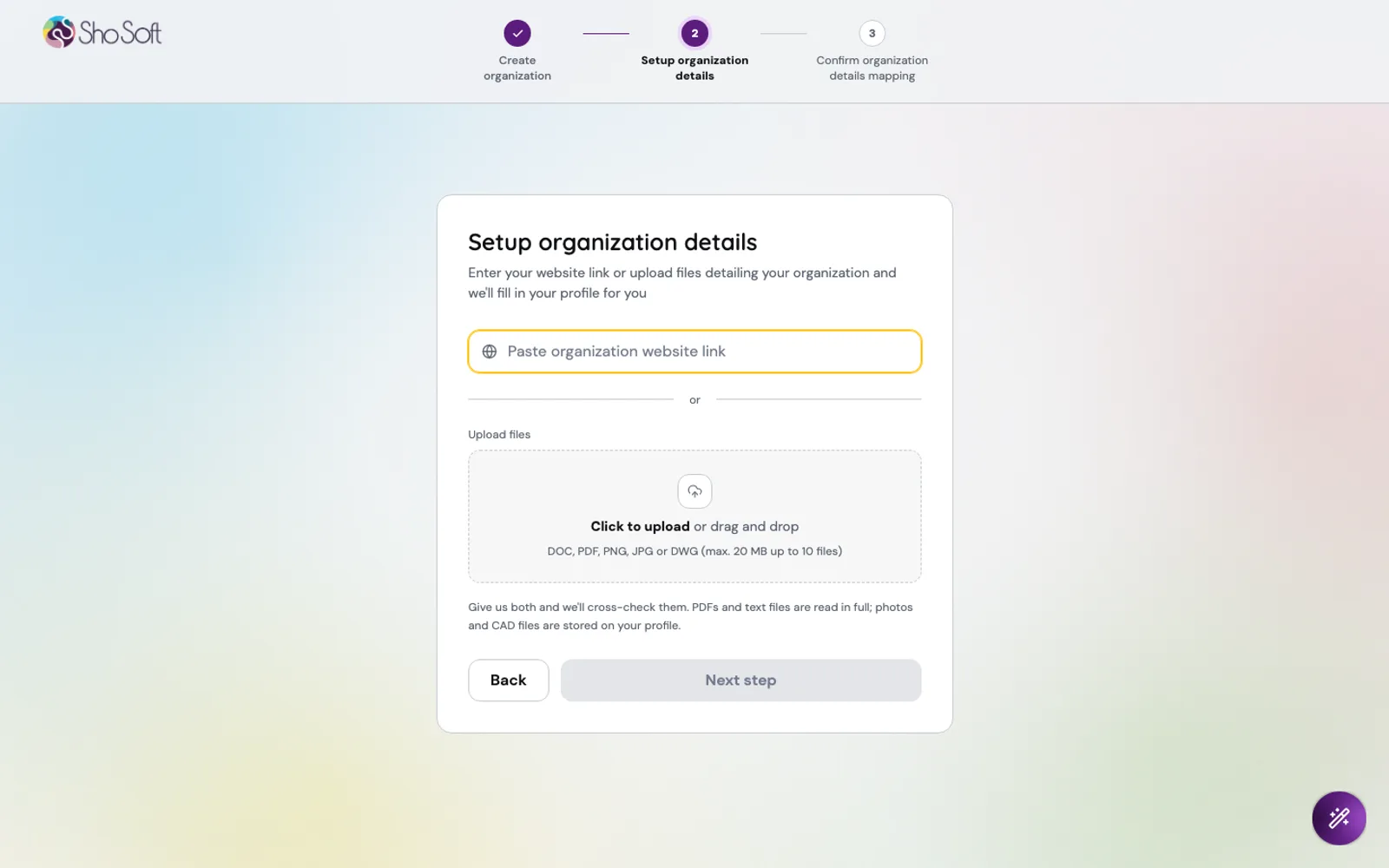
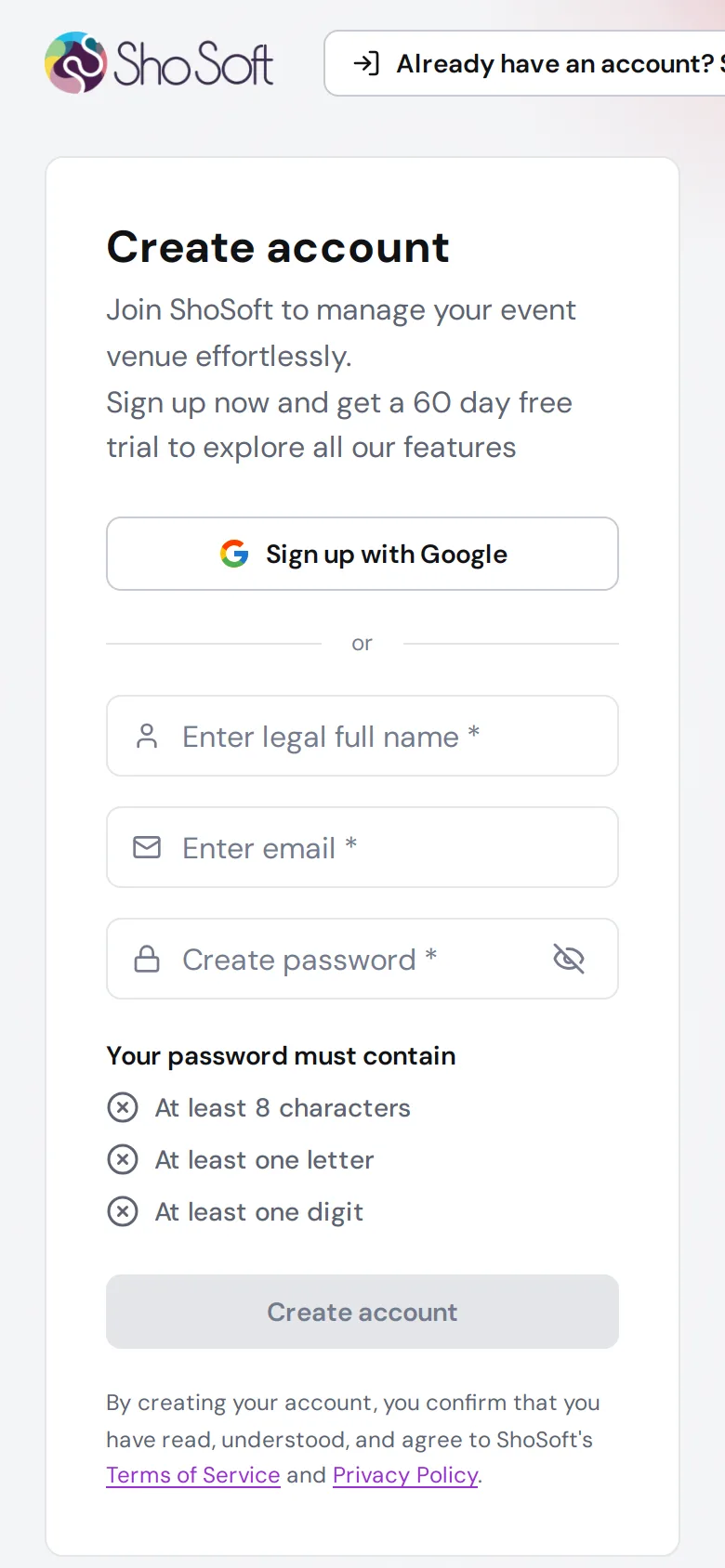
The flow is short. Create an account, name the organization, paste a link or drop files, then confirm what ShoSoft found. The design had a fourth step for adding events, and we cut it from the app version to keep the whole thing to three.
Reading the source
The crawler opens the homepage, ranks the links that matter (spaces, events, pricing, about) and reads up to ten pages. It skips menus and footers so the model sees content, and it finds the hidden data feeds that calendar widgets load, which is how sites built in JavaScript still give up their events.
Handbooks are read in the browser and only their text is sent, so a 52 page PDF still goes through. Give it both a website and a document and it reads them together, cross checks them, and keeps the details only one of them mentions.
A second pass then maps what was read into ShoSoft's own records, venue settings, spaces, inventory, workforce and vendors. If that pass ever fails, a plain mapping takes over, so onboarding never dead ends.
Only what it can trace
The rule we cared about most was simple. An empty field is better than a guess. The model runs at temperature zero and is told to use only what the text says. Then a filter checks every list it returns against the source, and anything whose words are not in the pages gets dropped.
That catches the quiet mistakes, like a caterer the venue never mentioned. Capacity only counts a stated guest number, so square footage never turns into a headcount, and a range takes its upper bound.
The model mattered too. When a smaller one read square footage as a guest count, we moved the reading in the app to a larger one.
The design, in the real screens
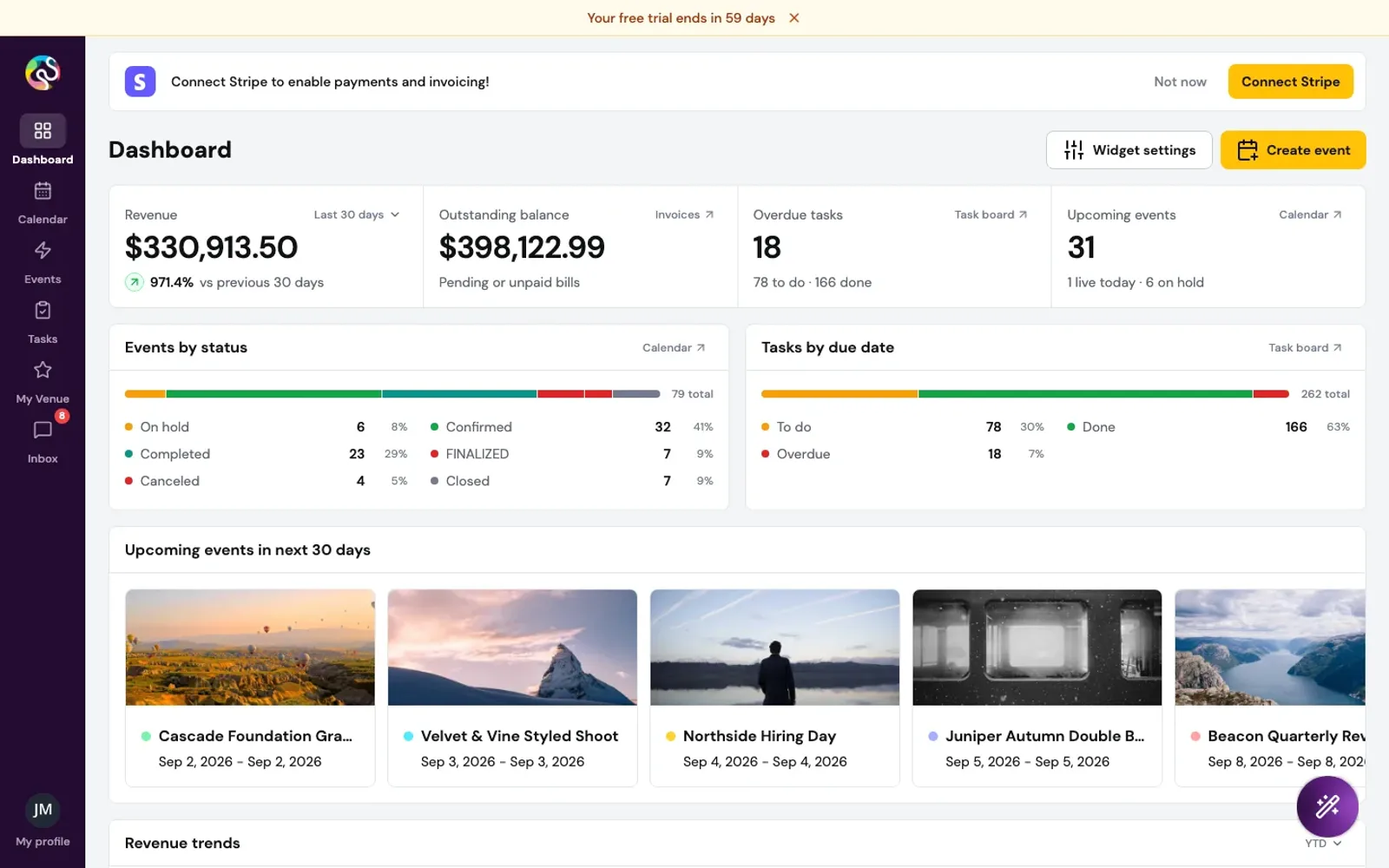
The review step is the app itself. The left column is the real My Venue menu with a count beside each section. The right is the real settings form, with a found badge on every filled field and a missing badge on every empty one, so you know exactly what is left to add.
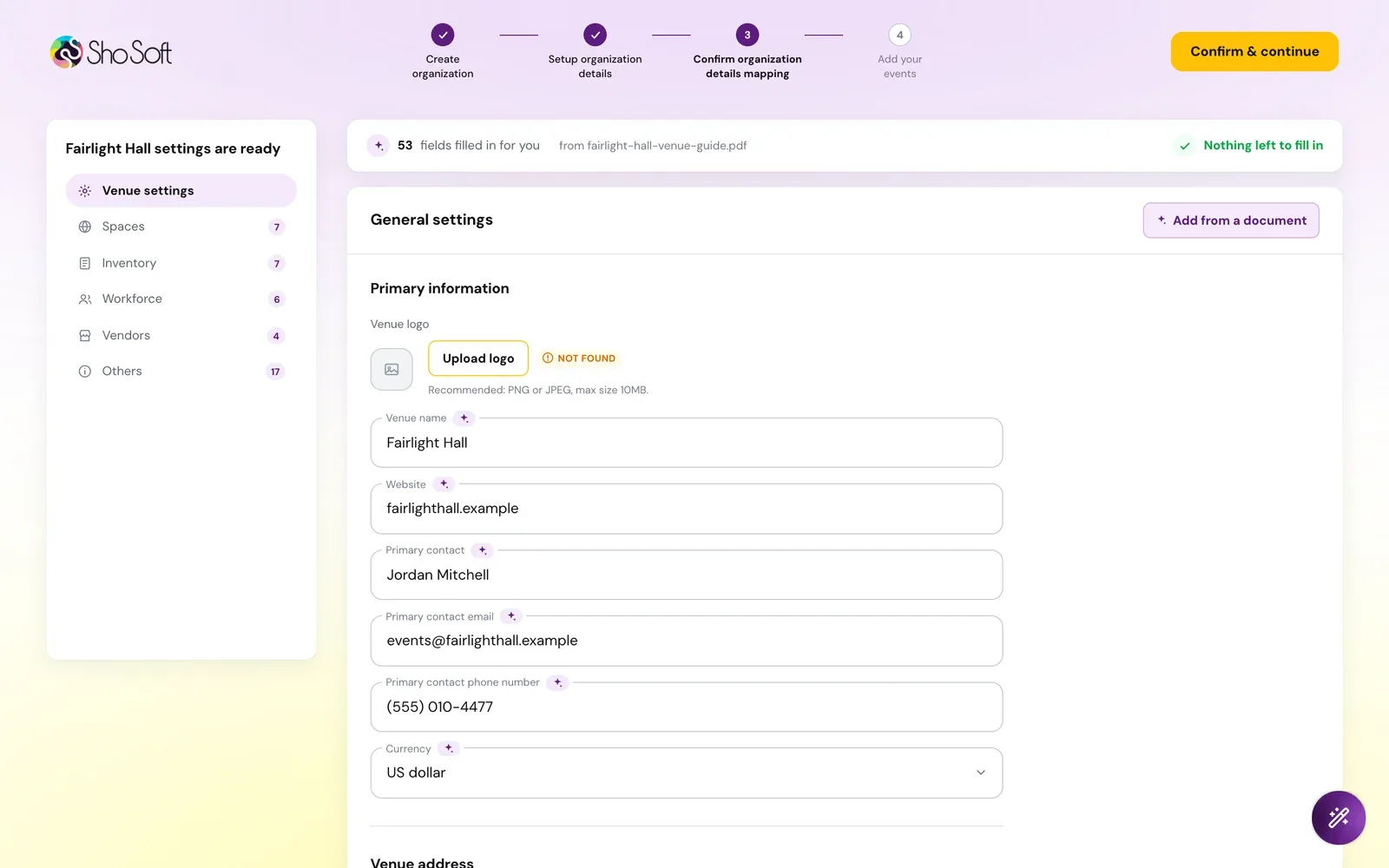
The words on screen never say AI. Onboarding simply reads your venue and asks you to check the result.
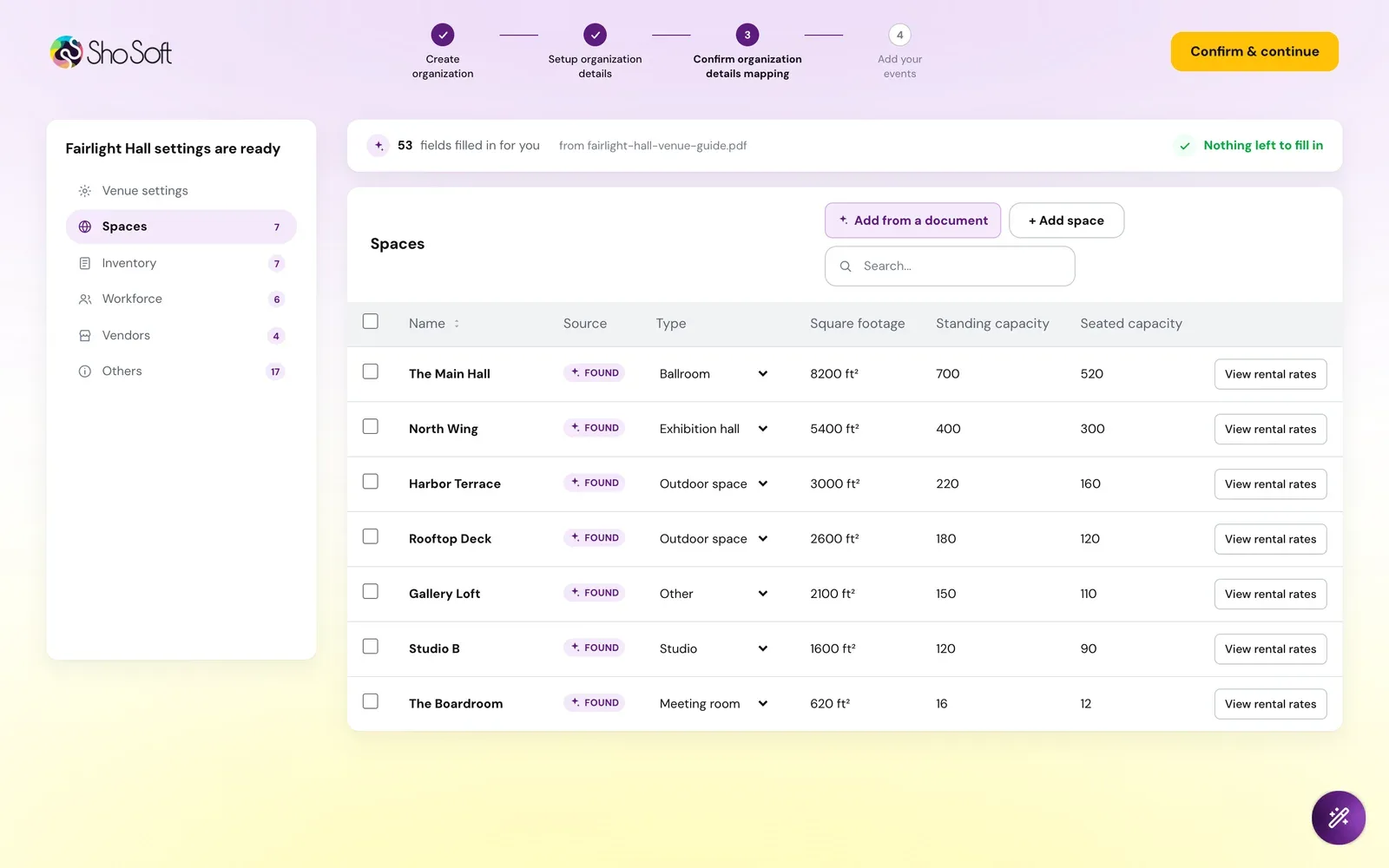
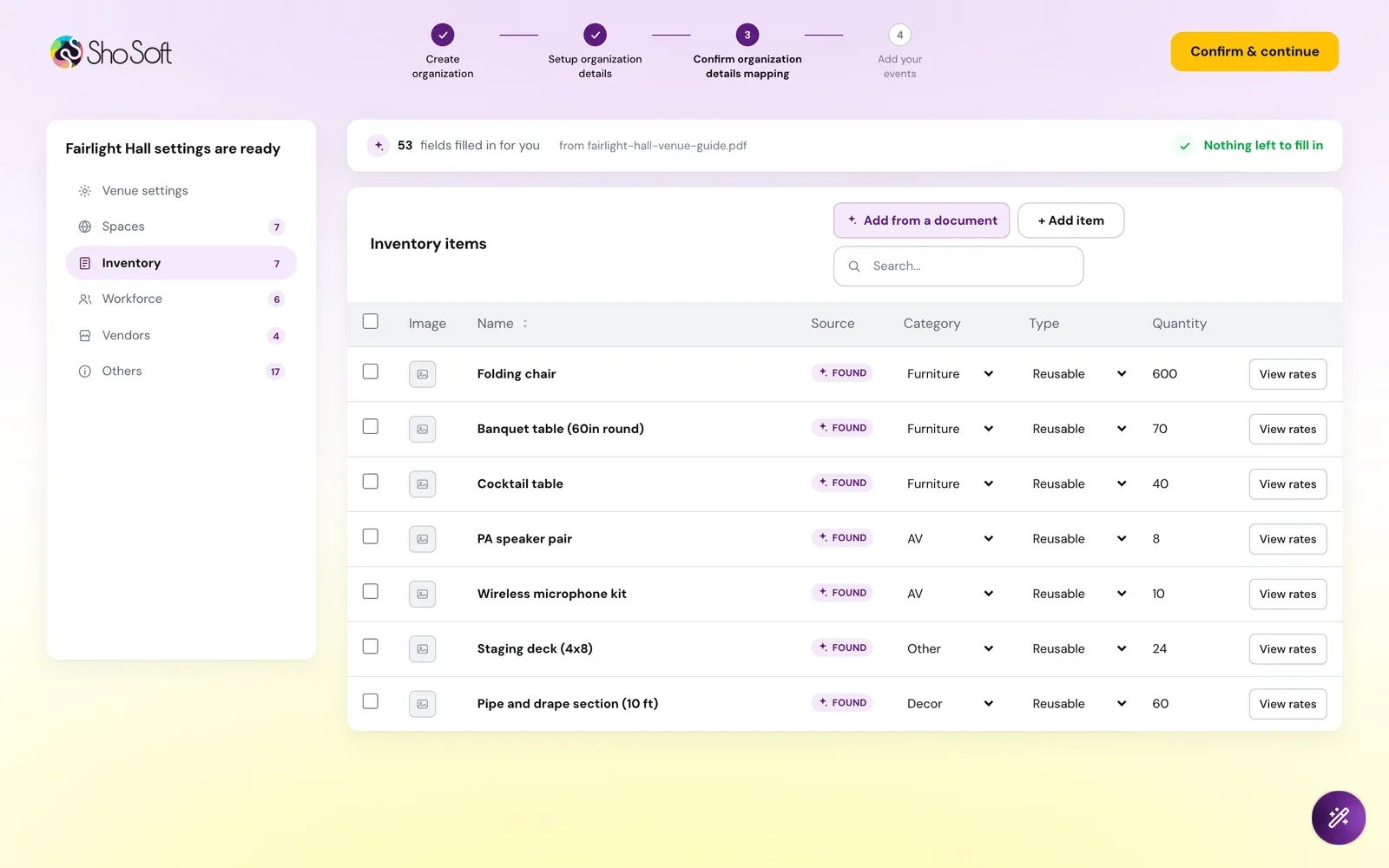
Every table is editable in place, rows can be added or removed, and Add from a document reads one more file into the section you are on.
Speed, on a real venue
We ran it against a real event campus in Los Angeles. It read 10 pages in about 7 seconds, mapped them in about 3.5 more, and found all 10 spaces with their square footage, along with the main contact, phone and address.
From demo to the real app
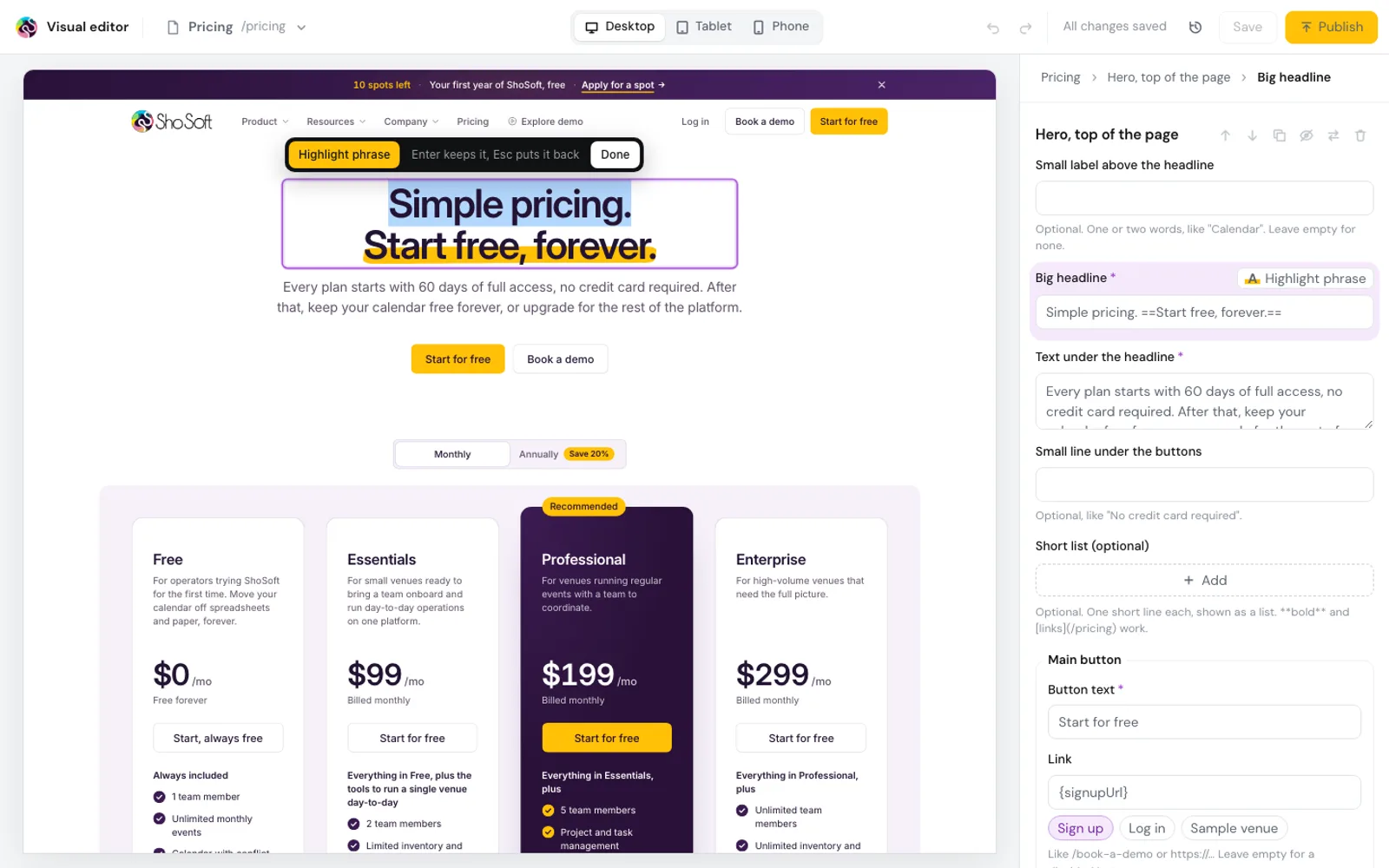
The demo was built from ShoSoft's design files, with the real shosoft.ai page in front of it, so the team could click through the whole thing before anyone touched the product.
Then we moved it into the real app. Two early versions drifted from the demo, so the rule became a straight port. Every string, every state and every animation carried over, with only the app's colours, type and building blocks swapped in.
The same review step now runs on the app's own settings form, with the reading done by a small service beside the app.
The handoff
On September 3 we handed it over as its own repository, built on ShoSoft's latest code. It adds five commits and touches only 11 production files, and everything that only made sense in our demo was stripped out first.
It ships with a three command merge guide, seven short docs, screenshots of every step and the open items written down. Before calling it ready we checked every tab and dialog at two screen widths, fixed the 30 issues that turned up in the new pages, and cut the reading needed to merge it to about 1,050 lines.
What is next
ShoSoft's developers are taking it to production now. Next on the list are event producers, who run events without owning a venue, and a few settings that still need saving on the server side.