
ShoSoftDemo site
ShoSoft demo site
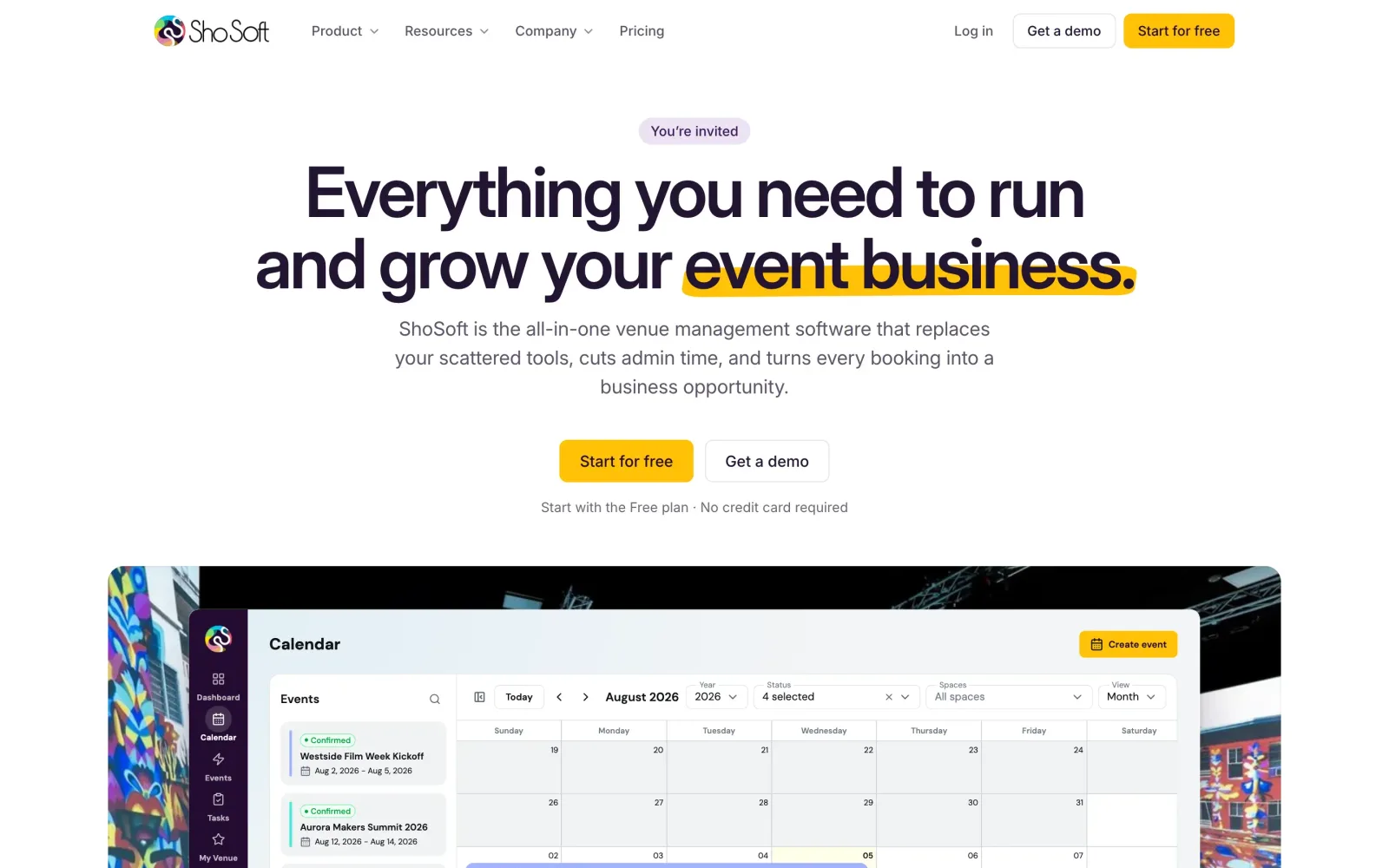
The real ShoSoft app, ready to try before signing up.
The demo site started with a meeting with ShoSoft's team on October 5, 2026. They were getting ready to reach out to venues one by one, and they wanted something better than a brochure to send.
ShoSoft makes software for independent venues, and that kind of software is hard to judge until you see your own week in it. So the ask had two parts. Let any venue try the real app before signing up, and give every venue the team contacts a demo of its own.
demo.shosoft.ai went live on October 5 and does both. Anyone can open a busy sample venue with a name and an email. And since the next day, every venue the team contacts gets a demo of its own, built from its real photos and events.
- 7
- venues with their own demo
- ~300
- facts checked for one venue
- 1 MB
- per venue, compressed
- 3 AM
- nightly reset to today
What we did
- A sign up card over the real, blurred dashboard
- A fully stocked sample venue, built through the real app
- A demo mode for the app, with a banner, sign up prompts and locked account controls
- A personalised demo for every outreach venue, researched and fact checked
- A Sample data switch and labels on every page
- A demo that runs in the browser from recorded data
- A nightly reset that moves every date to today
- Visit tracking and a Demos page in ShoSoft Internal
- A separate server stack, with email switched off
The challenge
Venue software is hard to judge from screenshots. A new account starts empty, so a venue manager sees a blank calendar and has to imagine the rest. A sales call needs a time slot and someone to run it.
Cold outreach has the same problem. The team wanted a link that opens on the venue's own events, so a venue manager sees their own week in the app from the very first click.
The front door
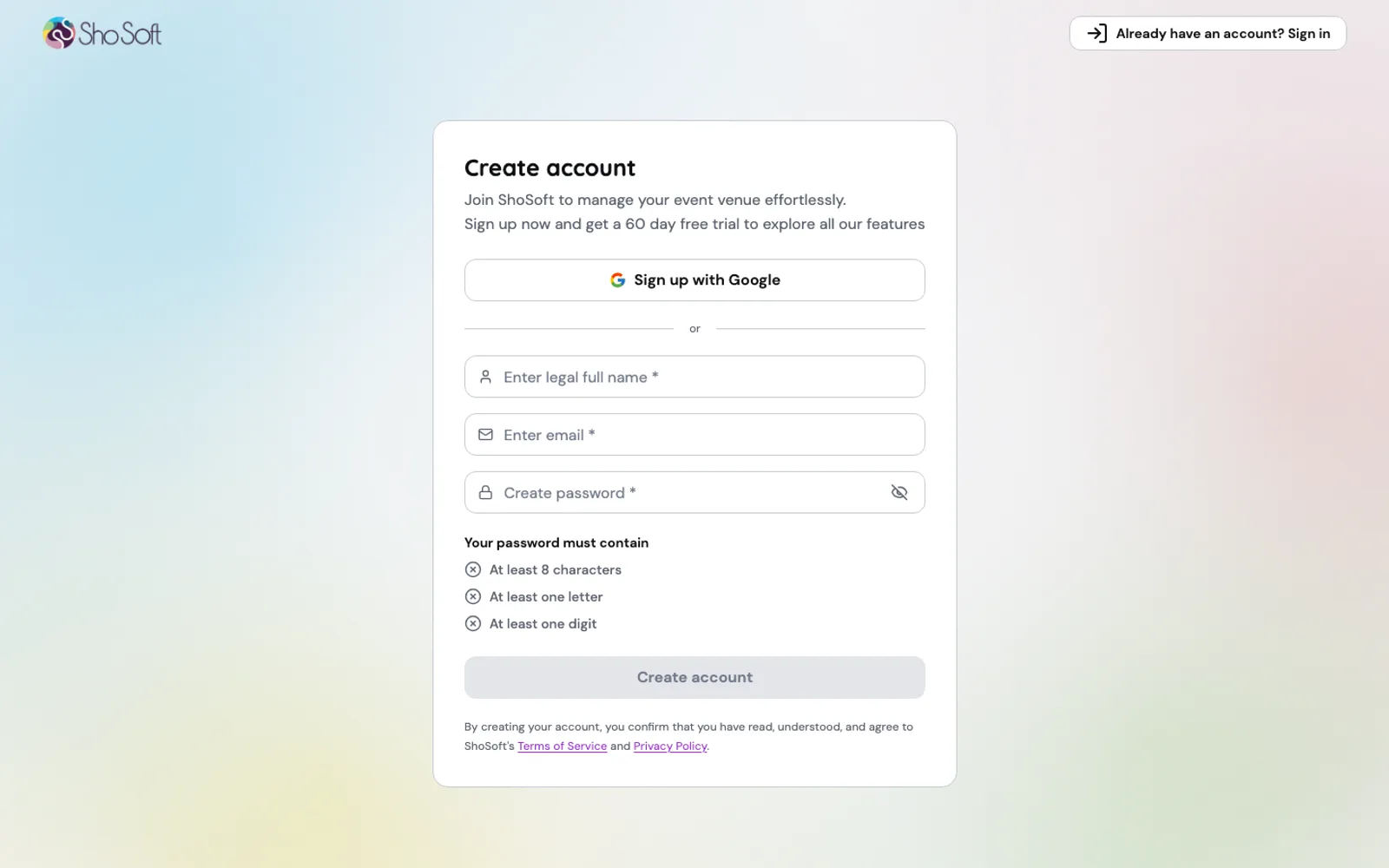
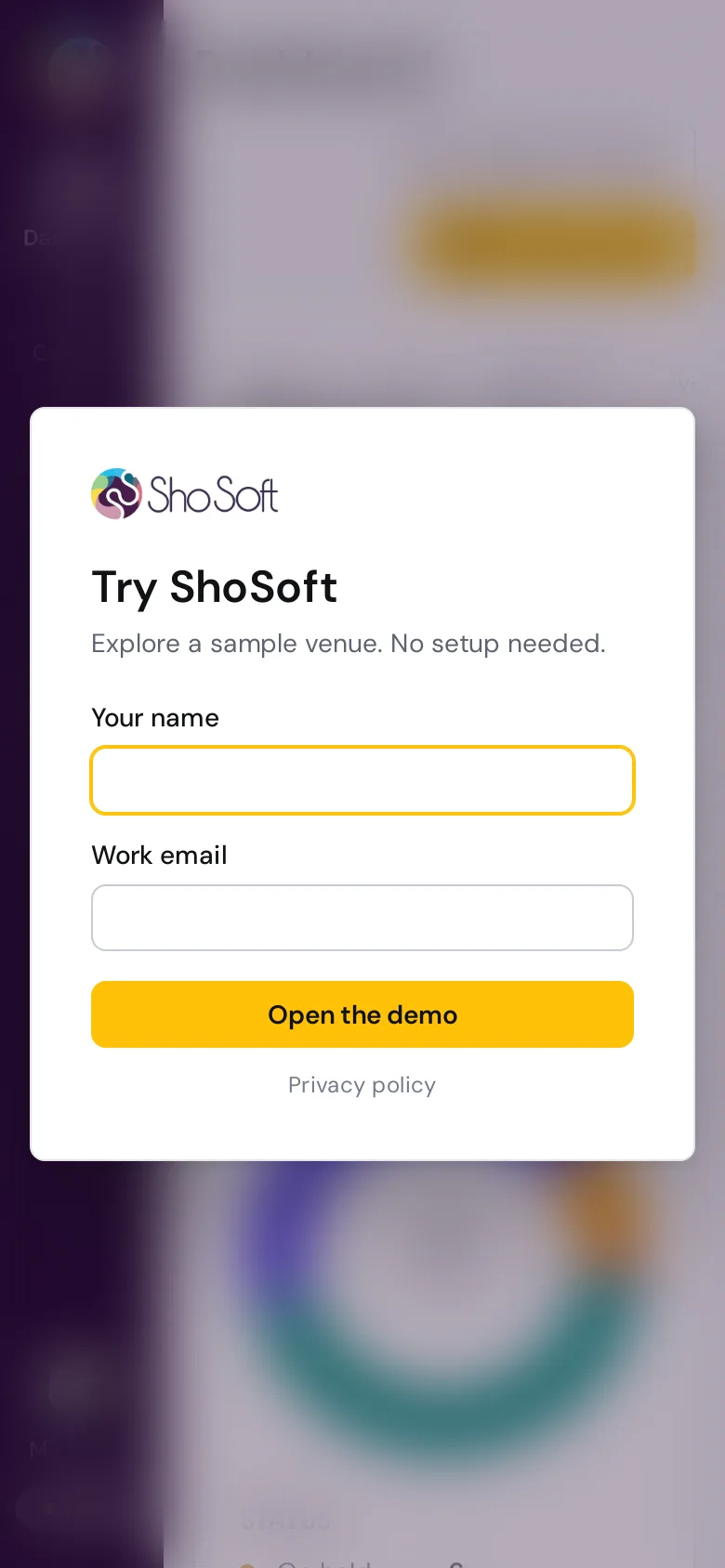
The first thing a visitor sees is the real dashboard, blurred, with a small card asking for a name and a work email. That is the whole sign up.
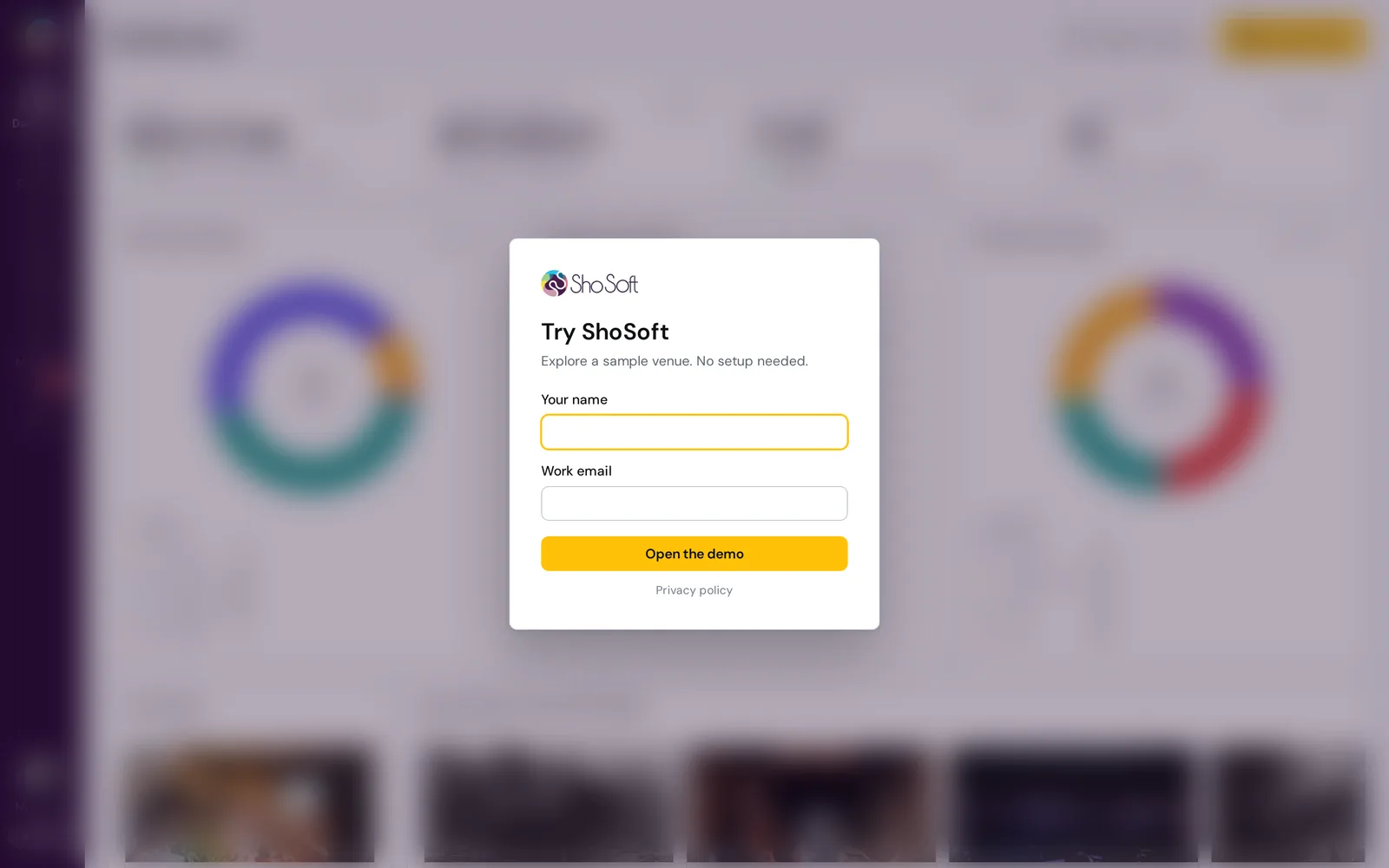
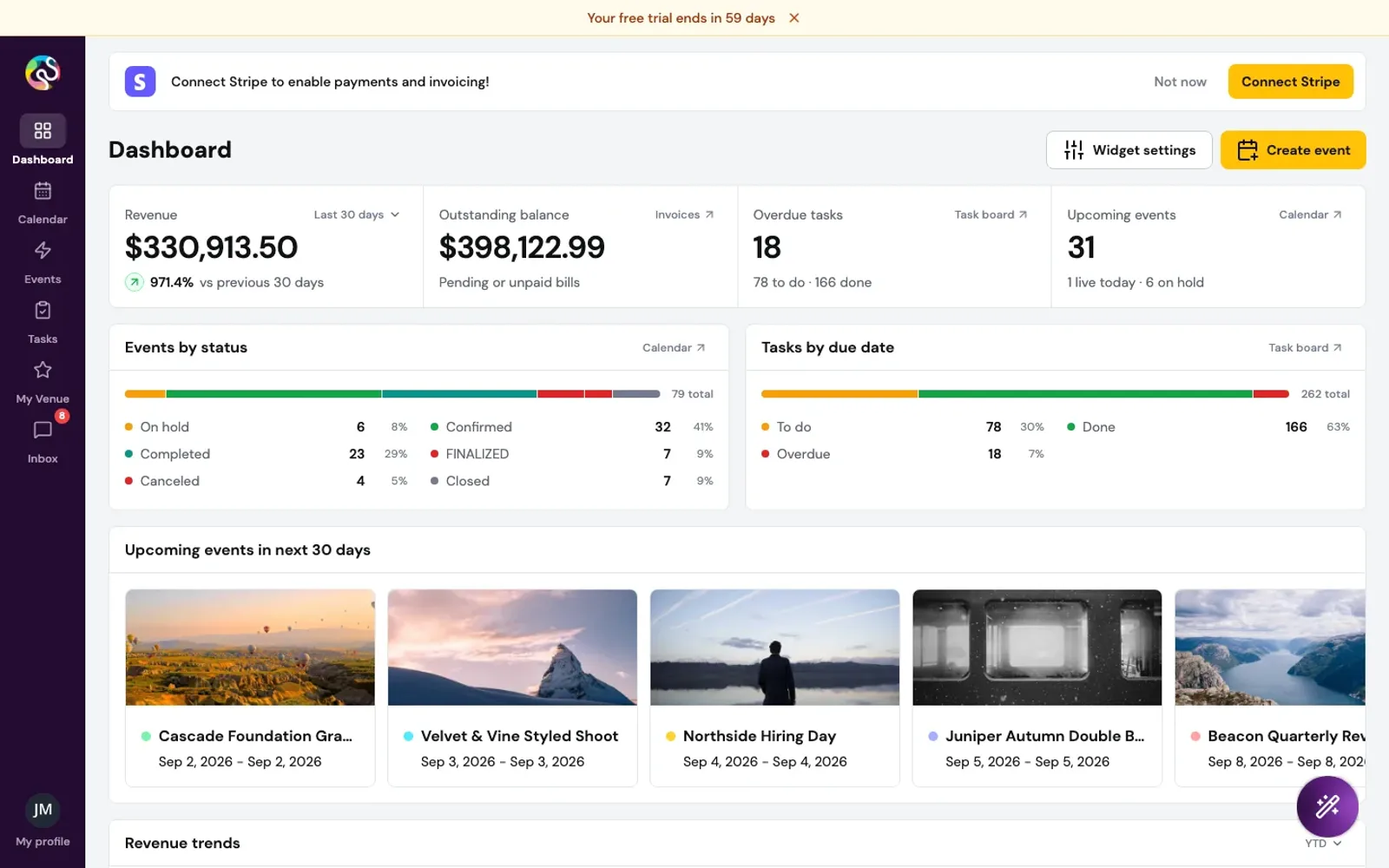
The dashboard is already drawn underneath, so the blur lifts and the venue is simply there. The visitor becomes the owner of the demo, with their own name and initials on the profile and the team, and a slim banner says they are in a demo venue.
A venue worth exploring
The sample venue is The ShoSoft Showhouse, a converted warehouse in the fictional Encore City. It has a 650 person main hall, a rooftop loft, a garden courtyard and two smaller rooms for meetings and dinners.
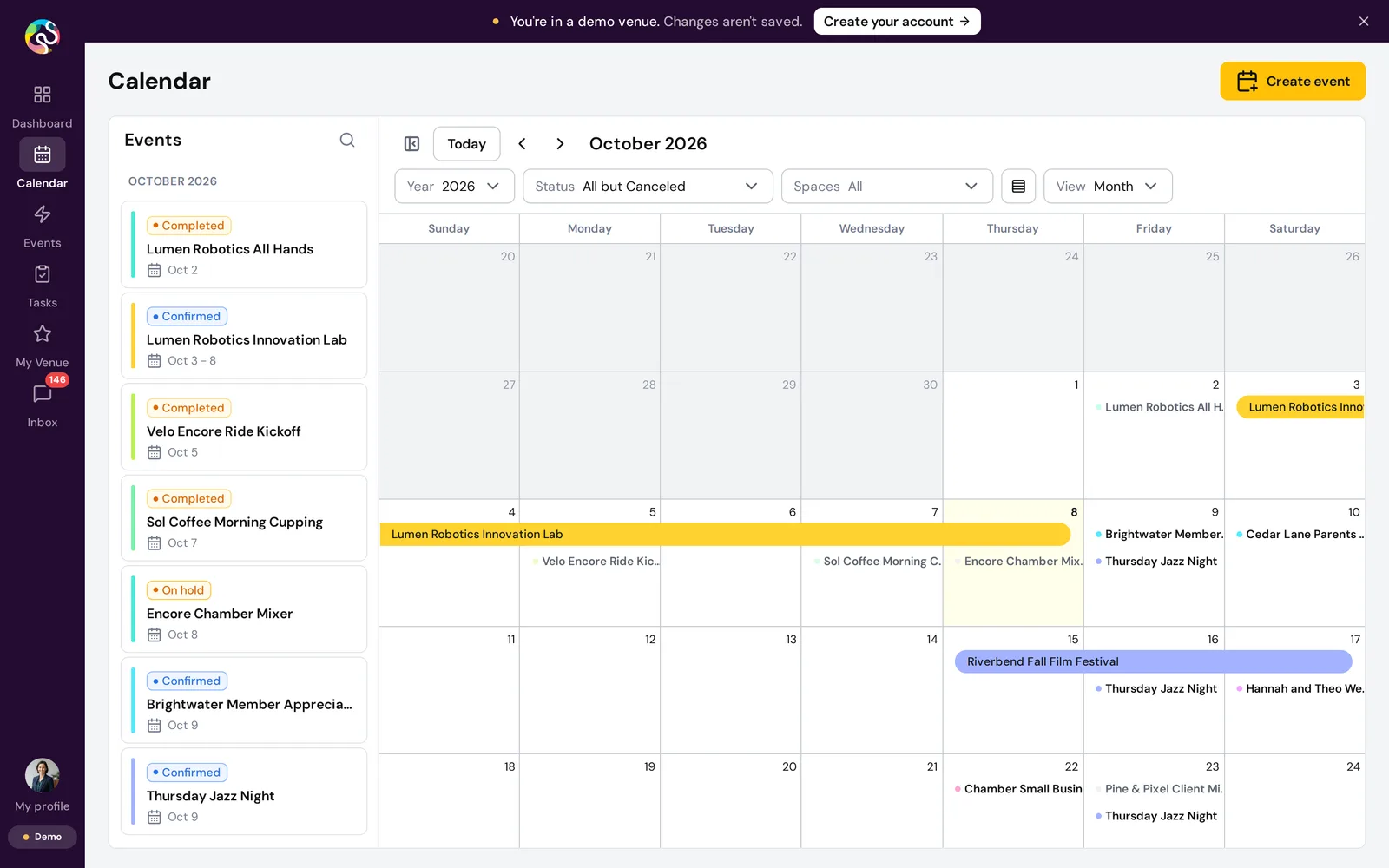
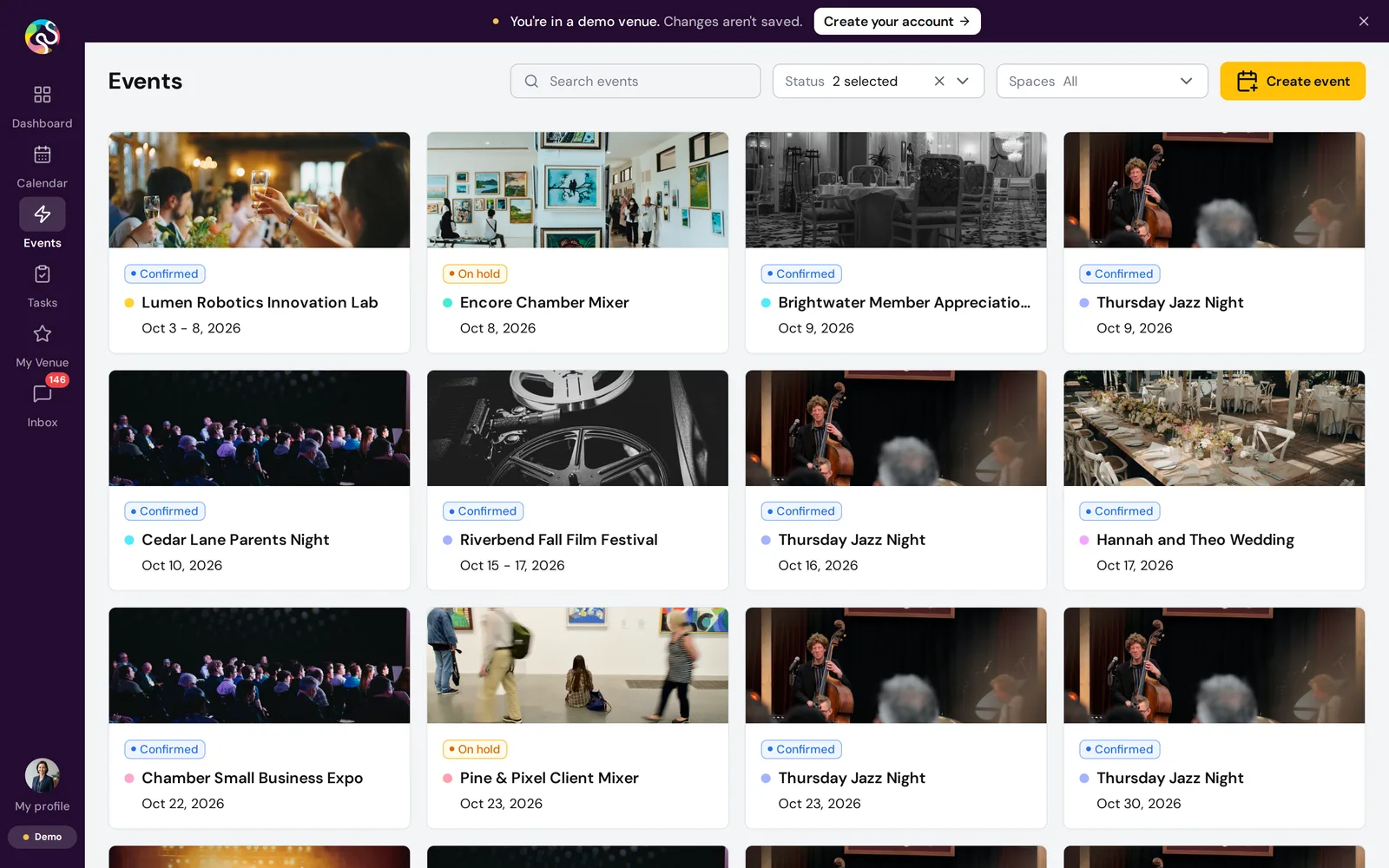
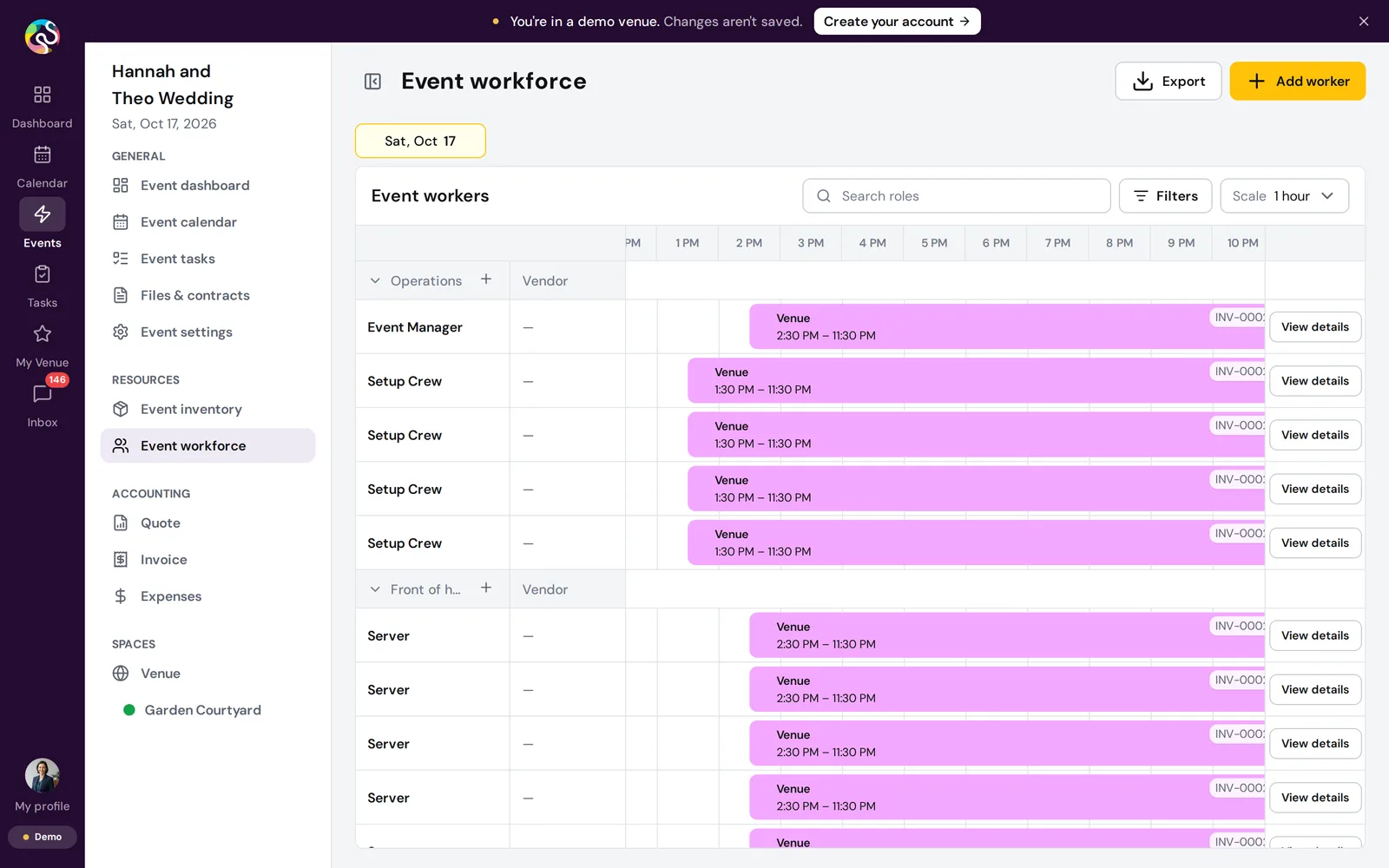
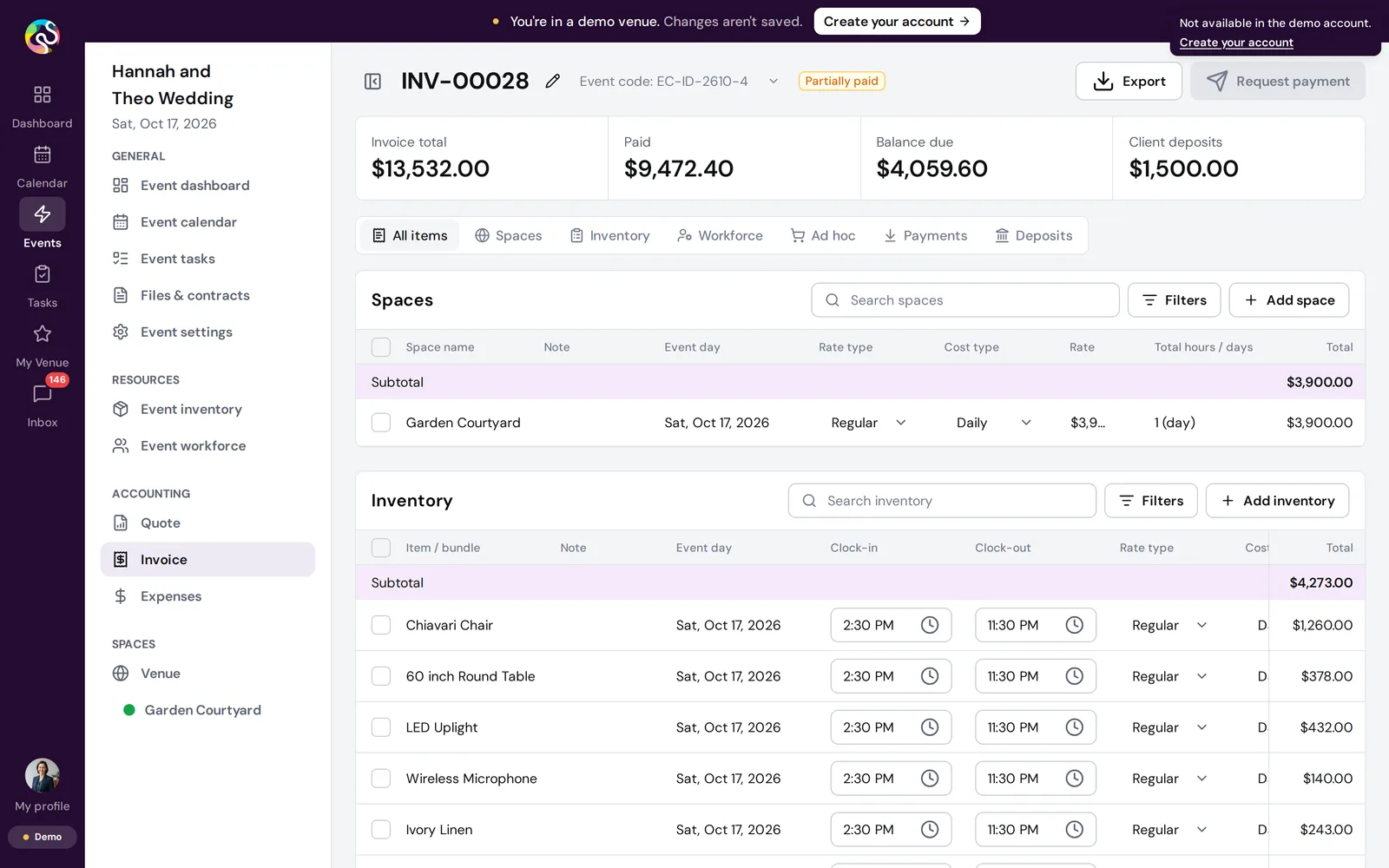
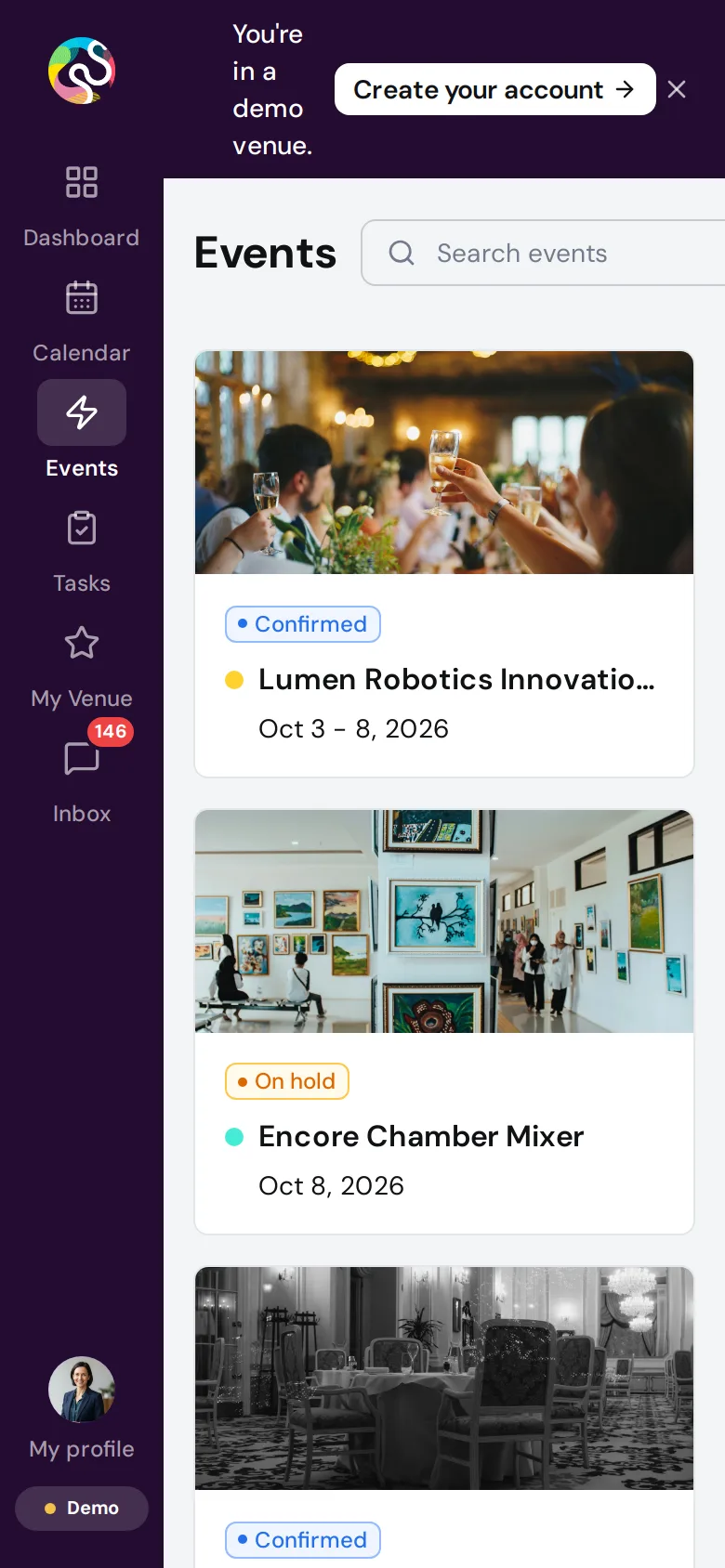
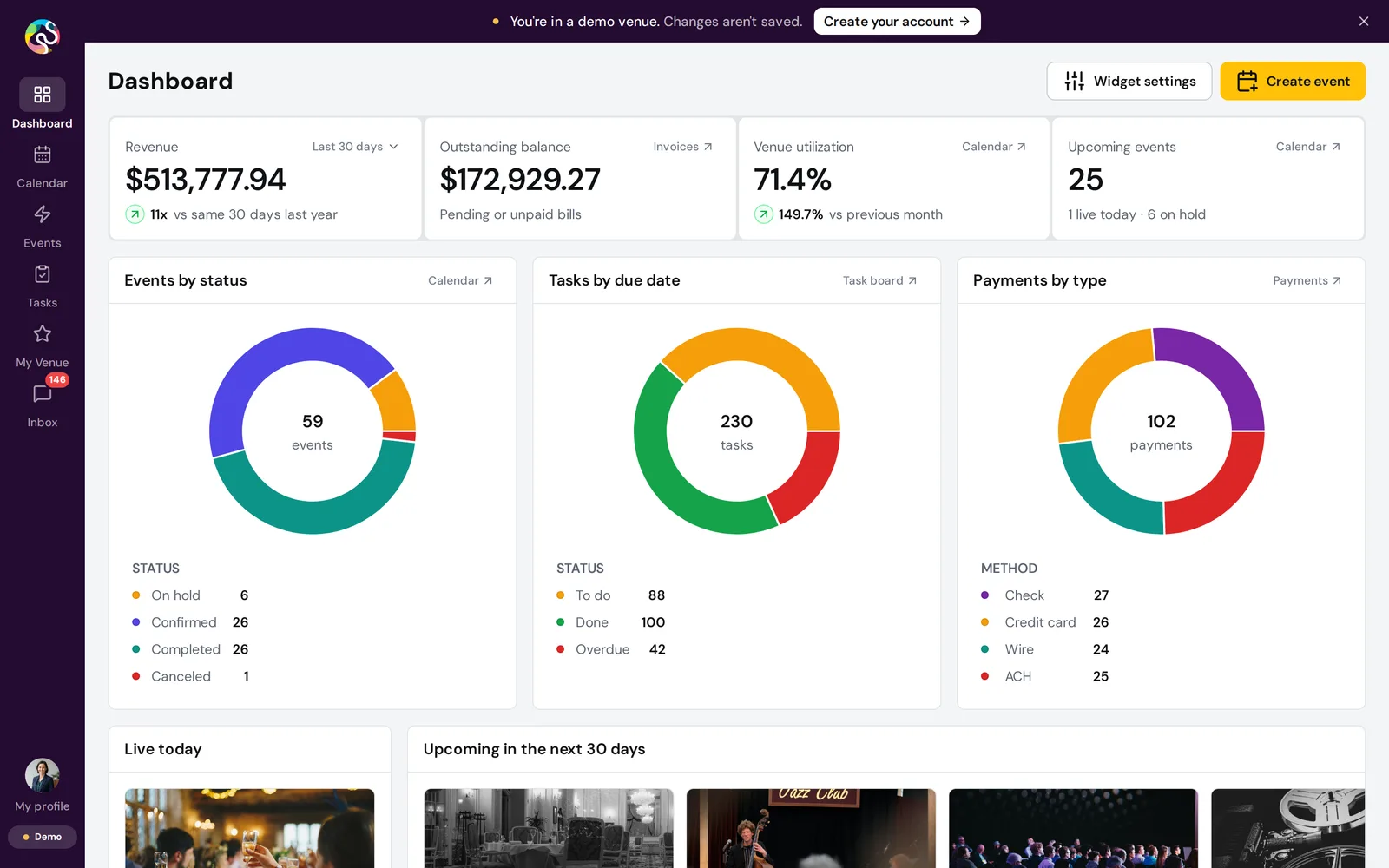
It is busy the way a real venue is busy. Weddings, a weekly jazz night, a film festival, markets and company events, each with a client, a quote and an invoice, staff on a timeline and inventory by the hour. All of it was built through the real app, so the dashboard adds up the way it would for a real venue.
Safe to click anything
Almost everything can be changed. Create an event, move a booking, edit an invoice. Uploads and exports still work.
A few things need a real account, like taking card payments, emailing invoices, inviting teammates or sending documents for signature. Those open a friendly note with a link to sign up, and controls that belong to an account show a short tooltip that says so.
A demo for each venue
Each venue the team contacts gets a short link. It skips the card and opens on that venue's own photo, logo and name, with its real dashboard and events behind the welcome. When the team adds the contact's name, the welcome greets them by first name.
Every venue is researched from public sources, with each fact and photo listed beside where it came from. A second, independent check then goes over every fact, event and photo again, including against venues with the same name elsewhere, before the link goes out. For one venue that came to about 300 facts.
Only a venue's real programming shows up as its own. If a venue publishes no events, its tickets go to a made up client, never to an invented show in the venue's name. No photo has its credit removed.
Real or sample, at a glance
A venue's public records only go so far. There are no invoices from last month and no tasks for next week. A Sample data switch in the banner fills in the rest, and every page is labelled From your website, Sample data or Sample figures, so the venue always knows which is which. Real and made up records of one kind never share a page.
Flipping the switch swaps the data under the page without a loading screen, and on an event it stays on the same event.
How it works, and why it is fast
The first version gave every visitor a fresh copy of the sample venue from a pool of ready accounts on the server. It worked, but each copy was a real account to build and keep healthy. A day later we moved the whole demo into the visitor's browser.
Now the server builds each venue once through the real ShoSoft API, records every answer the app asks for, and serves that recording. The app reads from it, keeps any edits in memory, and starts fresh on reload. Visitors never touch the backend, so there are no accounts to build per visitor and nothing one visitor can break for the next. A venue's whole recording is about 1 MB once compressed, so pages open quickly.
Every night at 3 AM Central the data resets, the dates move forward to today and every venue is recorded again. Weekly series move in whole weeks, so the Thursday jazz night stays on a Thursday, and a venue's real dated events stay where they are. The demo never shows a calendar full of last month.
Tracking and measurement
The Demos page in ShoSoft Internal shows which links were opened, who started the demo and how far each person got. Anyone who clicks Create your account or tries an account only feature is marked Interested, so the team knows who to follow up with first.
It records the pages people visit and the buttons they press, never anything they type. Team visits are labelled and hidden by default, and bots are left out.
When a visitor has allowed analytics on shosoft.ai, their demo visit links back to their visit on the main site, so the team sees the two as one journey.
The small things
We renamed the sample venue on day one, when we found its first name belonged to a real venue. Every client and vendor email in it ends in .example, and the photos are real event shots from Magic Box LA with no branding in them.
The demo runs on its own server stack, with its own database, sign in and storage, apart from the live product. Its email is switched off at the source, so nothing in the demo can reach a real inbox. And we check the way in by recording every painted frame, from the card to the first page, to catch any stutter.
What is next
New venues are requested from the same Demos page. Each one goes through the same research and fact check before its link goes out, and joins the nightly reset from then on.